
For most living-room systems, the best battery backup for home theater use is a line-interactive UPS with enough watt capacity, automatic voltage regulation, and preferably pure sine wave output if you use a projector, receiver, or sensitive AV gear. Start by deciding which devices actually need battery power during an outage, then size the UPS from their real watt draw instead of buying the biggest VA number you see.
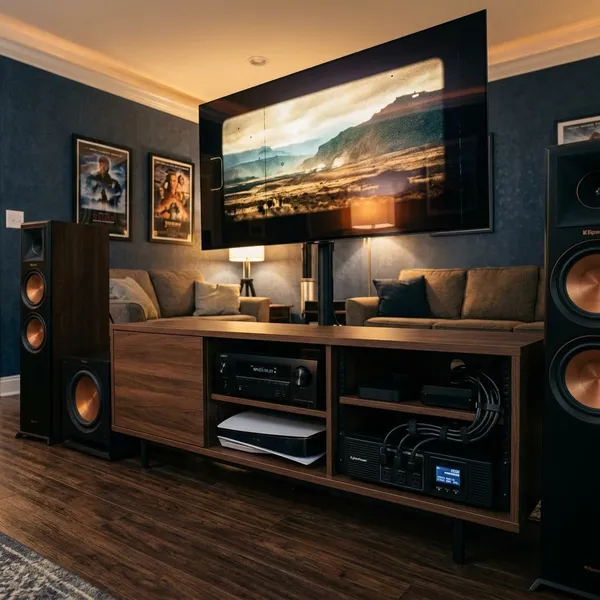
Which UPS type is best for a home theater system?
A home theater UPS has two jobs: it should protect equipment from short power problems and give you enough time to keep things stable or shut them down properly. A basic TV setup may only need simple backup, while a projector or full AV rack needs cleaner and more dependable power.
The practical choice for many homes is a line-interactive UPS. It offers better protection than a standby model without the cost, heat, and possible fan noise of an online UPS.
Standby UPS provides basic backup for simple setups
A standby UPS is the budget option for a small TV, streaming stick, router, or compact soundbar. It normally passes wall power through and switches to battery when power drops out, which is enough for light use in an apartment or bedroom setup where the goal is simply to ride through a brief outage.
The limitation is power quality. Standby models usually do less voltage correction and may use simulated sine wave output, so they are not the first choice for a projector, premium receiver, or gear that behaves badly on battery power.
Line-interactive UPS provides balanced protection and value
A line-interactive UPS is the best starting point for most home theater buyers because it adds automatic voltage regulation. That means it can correct many small brownouts and overvoltage events without switching to battery every time.
- Good fit: TV, AV receiver, console, streamer, modem, and router.
- Worth prioritizing: pure sine wave output for projectors or higher-end AV gear.
- Best use case: homes with occasional flickers, storms, or unstable utility power.
If you want one practical default, choose a line-interactive model with a watt rating comfortably above your measured load.
Online UPS provides the highest power protection
An online UPS gives the cleanest protection because your equipment is powered through the UPS inverter all the time. There is no meaningful transfer delay during an outage, and the output stays very stable.
This can make sense for a dedicated media room, expensive processors, automation gear, or a location with consistently poor power. The trade-off is real: online units often cost more, run warmer, and may have fans you can hear during quiet scenes. For most homes, that is more UPS than needed unless the room or equipment justifies it.
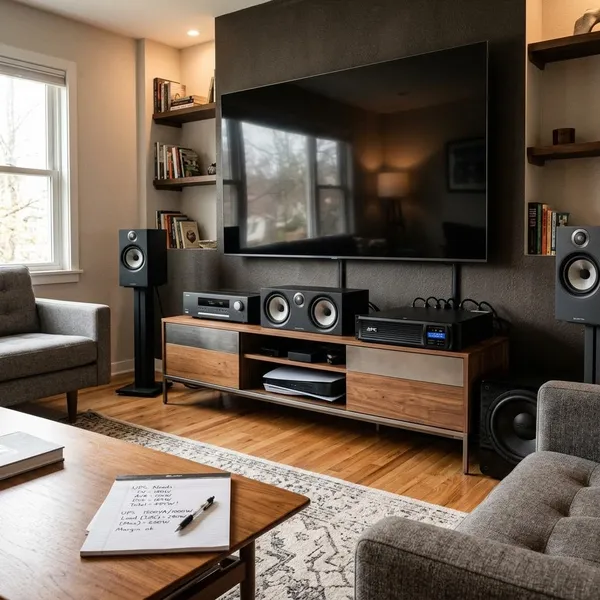
How much UPS capacity does your home theater need?
Size the UPS from the devices you truly want on battery backup, not from every plug near the entertainment center. The first number to check is the UPS watt rating, then the VA rating, then the expected runtime at your load.
A simple rule works well: measure or estimate your connected running watts, add headroom, and avoid loading the UPS near its limit. A unit that is technically "big enough" on paper can still give poor runtime if it is running at 90 percent load.
Calculate total power use from connected devices
Start with the equipment that benefits most from uninterrupted power: projector or TV, streaming device, modem, router, and possibly the receiver. A plug-in watt meter gives the clearest answer because rear-panel labels often show maximum ratings rather than normal viewing use.
- List only the devices that need battery backup.
- Measure typical use and heavier use, such as gaming or louder playback.
- Add the running watts together.
- Leave roughly 20 to 30 percent headroom when choosing the UPS.
Choose enough capacity for startup loads and upgrades
Do not size the UPS so tightly that one future console or receiver upgrade pushes it into overload. AV systems tend to grow slowly: a new game console, network switch, media PC, or larger display can change the load more than expected.
This is where VA vs watts UPS confusion causes bad purchases. A 900 VA unit may sound large, but the watt limit might be much lower. Both ratings matter, and the watt rating is usually the more useful boundary for home theater planning.
Match runtime with your outage protection goals
Runtime should match the problem you are trying to solve. If you only want safe shutdown, 5 to 10 minutes may be enough. If your neighborhood gets short outages during storms, 15 to 30 minutes for a lightly loaded system can be more comfortable.
Projector owners should think differently from TV owners. The UPS does not need to keep a movie running for an hour; it mainly needs enough dependable runtime for shutdown and fan cooldown, especially with lamp-based projectors.
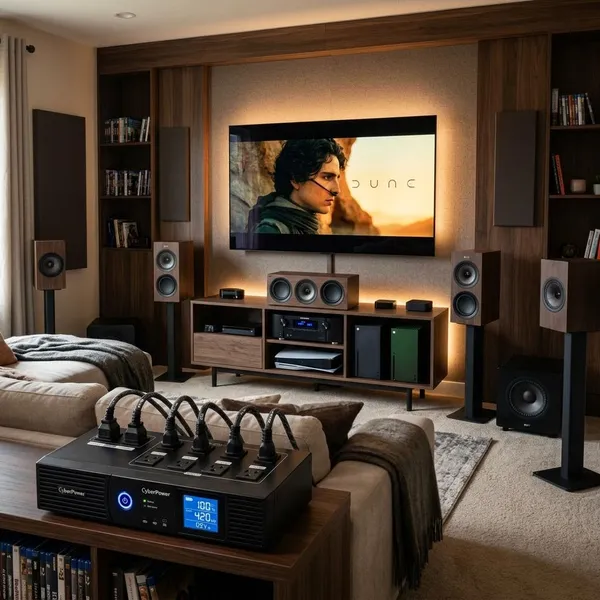
Which battery backup fits your home theater setup?
The right UPS class depends on the room. A bedroom TV and streaming stick are a low-risk, low-load setup. A projector, AV receiver, console, network gear, and media rack are a different purchase entirely.
Use the setup type below as a quick filter before comparing brands or prices.
| Setup type | What to back up first | What usually does not need battery |
|---|---|---|
| Small TV setup | TV, streamer, router | Decor lighting, large speakers |
| Family room system | TV, receiver, console, network gear | Subwoofer, high-power accessories |
| Projector or media room | Projector, source device, control/network gear | Large amps unless specifically required |
Small UPS systems fit TVs and streaming devices
Small UPS systems are best for modest loads: a TV, streaming device, modem, router, or compact soundbar. They are easy to place, usually quiet, and sensible for casual rooms where a short outage is annoying but not risky.
If you add a receiver or console, check the load again. A setup that looks small physically can still be too much for an entry-level UPS once everything is running.
Medium UPS systems fit TVs, receivers, and consoles
A medium UPS is often the most practical choice for a main living-room theater. It gives you more battery-backed outlets, better runtime, and often better features such as AVR and pure sine wave output.
This is the size range I would look at first for a TV, receiver, console, streamer, and router. It gives you breathing room without turning the UPS into a noisy, heavy rack component.
Larger UPS systems fit projectors and full media rooms
Larger UPS systems are for heavier installations: projectors, AV racks, processors, multiple sources, networking gear, and sometimes automation equipment. They are not automatically better for every room, but they make sense when shutdown safety and clean power matter more than saving space.
- Projector setup: prioritize stable shutdown and fan cooldown.
- Full media room: protect critical control and source gear first.
- High-power audio: avoid putting every amp and subwoofer on battery unless the UPS is sized for that load.
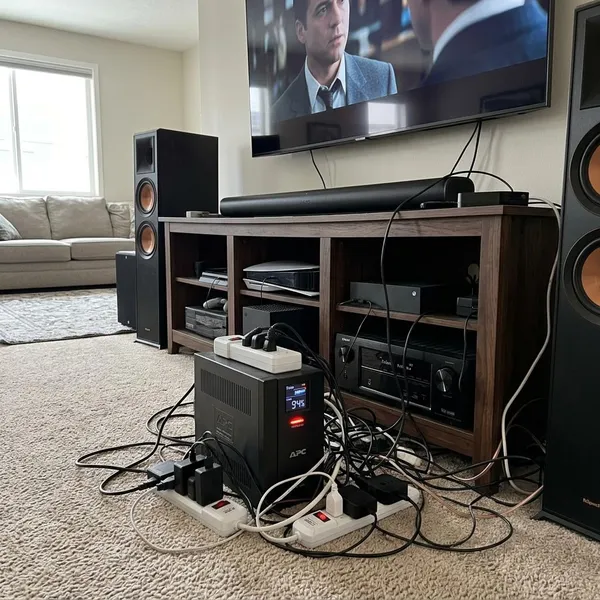
What mistakes should you avoid when buying a home theater UPS?
The biggest mistakes come from treating a UPS like a larger surge protector. A surge protector can help with spikes, but it will not keep devices running, handle transfer to battery, or give a projector time to shut down cleanly.
A portable power station is also different. It may provide longer emergency power, but it usually is not designed for instant switchover the way a UPS is. For home theater electronics, short, automatic backup is usually the reason to buy a UPS in the first place.
Choosing only by VA rating
Do not buy from the VA number alone. Check the watt rating and compare it with your expected load plus headroom. If the UPS watt limit is too close to your system draw, runtime will be short and overload alarms become more likely.
Ignoring pure sine wave requirements
Pure sine wave output is not mandatory for every TV and streamer, but it is the safer choice for projectors, sensitive AV electronics, and many newer power supplies. If your system is expensive, hard to access, or used often, paying more for pure sine wave output is usually easier than troubleshooting odd buzzing or shutdown behavior later.
Connecting too many high-power devices
Battery-backed outlets should be reserved for the devices that need them most. Powered subwoofers, large amplifiers, decorative lighting, and nonessential accessories can drain a UPS quickly.
A better plan is to put critical devices on battery backup and use surge-only protection for heavy gear that does not need to stay on during an outage. That keeps the UPS useful when the power actually fails.
Forgetting battery age and placement needs
A UPS battery gradually loses runtime, even if the unit still turns on normally. Heat speeds that up, so a sealed media cabinet is a poor location unless it has real airflow.
- Before buying: check whether the battery is replaceable.
- During setup: leave space for ventilation and cable access.
- After a few years: test runtime instead of assuming the battery is healthy.
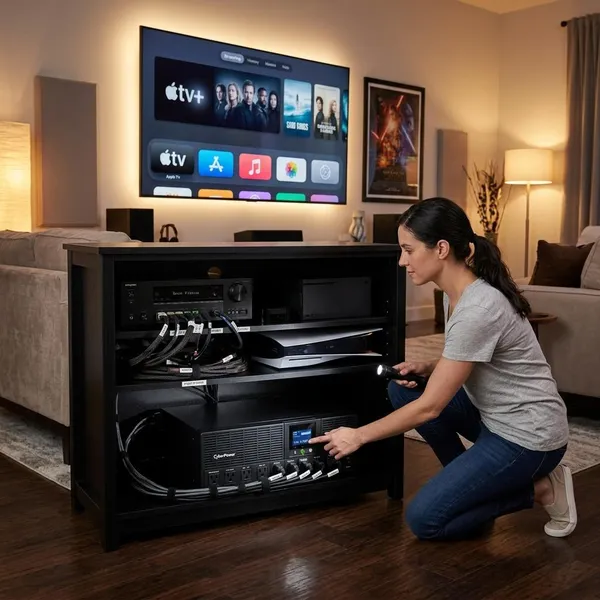
How do you set up and maintain a home theater battery backup?
A UPS only helps if it is installed in a way that lets it breathe, carry the right load, and prove itself before an outage. The setup does not need to be complicated, but it should be deliberate.
Think of it as a small maintenance item in your AV system rather than a product you plug in once and forget.
Place the UPS in a ventilated location
Put the UPS on a stable surface with open airflow around it. Avoid sealed cabinets, tight shelves beside warm receivers, and spots where you cannot reach the outlets or silence an alarm.
If the UPS has a fan, place it where the sound will not bother you during quiet scenes. Larger models can also be heavier than expected, so check the shelf or rack before sliding one in.
Test backup performance regularly
Test the UPS a few times a year under a normal viewing load. With everything saved and safe, unplug the UPS from the wall and confirm the important devices stay on without overload warnings.
This quick test is especially useful after you add new equipment. A system that worked last year may be too close to the limit after a console, receiver, or projector upgrade.
Replace batteries when runtime drops
Replace the battery when runtime becomes noticeably shorter or the UPS reports a battery fault. Many consumer UPS batteries last a few years, but heat, frequent power events, and heavy loads can shorten that.
Use the correct replacement battery for the model and run a test after installation. The worst time to discover a weak battery is during the outage you bought the UPS to handle.
Conclusion
A good home theater UPS is the one that matches your actual load, not the one with the loudest rating on the box. For most people, a line-interactive model with enough watt capacity, sensible runtime, and pure sine wave output where needed is the safest value. Back up the display or projector, the source and network gear that matter, and leave high-power extras off the battery unless you have sized the UPS specifically for them.