
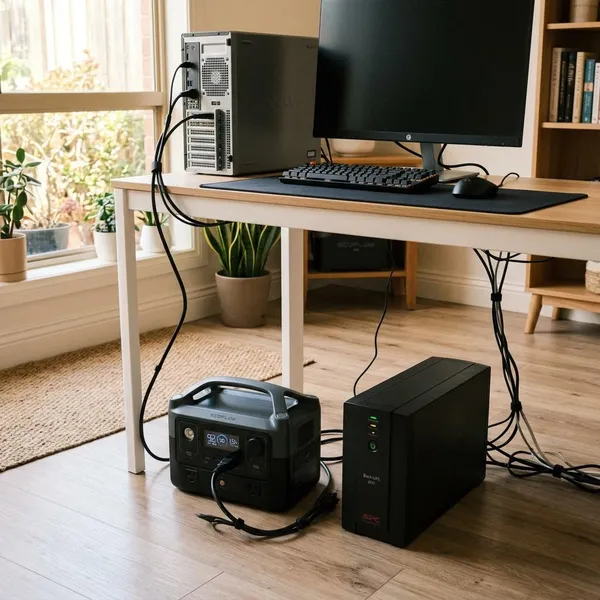
A portable power station can act like a UPS for some devices, but it is not a true drop-in replacement in every situation. It is a practical backup option for low-power equipment that can handle a brief power interruption, such as routers, laptops, phone chargers, lamps, and small appliances. For a desktop PC, NAS, server, medical device, or any equipment that must stay on without even a momentary power drop, a dedicated UPS is usually the safer and more reliable choice.
Can a Portable Power Station Replace a UPS?
Sometimes, but the word "replace" needs a little caution. A portable power station can supply backup power, often for much longer than a small UPS, but many models are not built for the same instant switchover and power conditioning that a UPS provides.
The first thing to check is not battery size. Check whether your device can handle a short transfer delay. If a brief interruption would only dim a lamp or make a charger pause for a moment, a power station may be fine. If it could crash a computer, corrupt files, stop a camera recorder, or interrupt medical equipment, treat that as a UPS job.
It can replace a UPS for some low-power devices
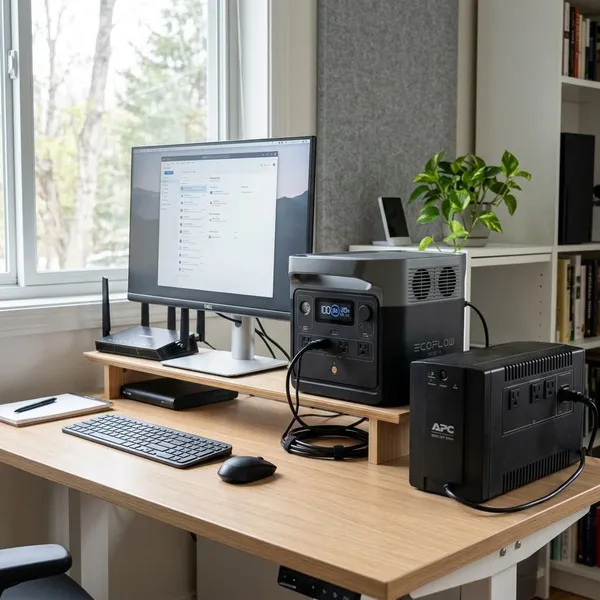
For low-power, low-risk devices, a portable power station can be a practical UPS alternative. Routers, modems, phone chargers, LED lamps, laptop chargers, and some small monitors usually care more about having hours of backup power than about perfect zero-gap switching.
A common home scenario is a short evening outage where you mainly want internet, a charged phone, and enough light to keep going. In that situation, a power station may be more useful than a small UPS because it can run those essentials for longer and can be moved to another room if needed.
It cannot replace a UPS for instant power protection
A portable power station is not the best choice when the connected device must stay powered without interruption. Desktop PCs, NAS units, servers, security recorders, some lab equipment, and medical devices may shut down or restart if the transfer time is too slow.
- Data at risk: use a UPS for computers or storage devices handling active files.
- Uptime matters: use a UPS for security, business, or critical network gear.
- Health or safety involved: follow the device manufacturer's backup-power guidance instead of improvising.
It depends on device needs and backup time
The simplest decision rule is this: choose the backup device based on what fails first. If the problem is a brief power gap, choose a UPS. If the problem is not enough runtime, a portable power station may be the better tool.
Before relying on either option, check three things in this order:
- Device sensitivity: will it restart if power drops for a moment?
- Load size: add up the watts of the devices you actually plan to run.
- Runtime need: decide whether you need minutes to shut down or hours to keep working.
Portable Power Station vs UPS: Key Differences
A UPS is mainly a protection device. A portable power station is mainly a larger, flexible battery with AC and DC outputs. That difference explains why each one feels better in different situations.
If you are comparing portable power station vs UPS options, avoid judging by capacity alone. Switching speed, inverter quality, output rating, pass-through support, and daily-use recommendations matter just as much.
UPS offers faster power switching
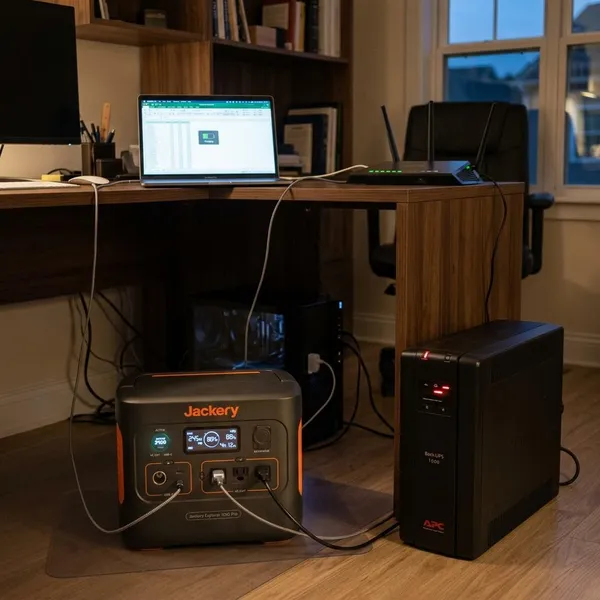
Fast switching is where a UPS earns its place. Many UPS units are designed to take over within milliseconds, and online UPS systems can provide continuous conditioned power. That is why they are commonly used with desktop computers, network storage, workstations, and office equipment.
EPS mode on a portable power station can be useful, but it is not automatically the same as true UPS performance. Check the published transfer time and, if the load matters, test the exact device you plan to use. Marketing names are less important than whether your equipment stays on.
Portable power stations offer longer battery life
Portable power stations usually win when the outage lasts longer than a few minutes. A small UPS may give you enough time to save work and shut down, while a power station can often keep lower-wattage devices running much longer.
This matters for a different kind of reader: someone working from home during storm season, trying to keep a router, laptop, phone, and small lamp going for half a day. For that use, longer runtime may be more valuable than the fastest possible switchover.
UPS supports fixed setups while power stations stay portable
A UPS normally lives under a desk or beside network equipment and protects the same devices every day. A portable power station can sit in a home office during an outage, move to the kitchen to run lights and chargers, or go into an RV, van, workshop, or campsite.
| Use need | Better fit | Why it matters |
|---|---|---|
| Desktop PC or NAS protection | UPS | Fast transfer helps prevent shutdowns and file issues. |
| Router, laptop, lights for hours | Portable power station | More battery capacity is usually more useful. |
| Home office plus emergency use | Both | The UPS handles the instant gap; the power station handles runtime. |
Devices That Work Well With a Portable Power Station
The best devices for a portable power station are modest in wattage, useful during an outage, and not overly sensitive to a short switchover. Think communication, charging, lighting, mobile work, and temporary backup rather than critical protection.
A quick test is worth doing before an actual blackout. Plug in the device, let it run through the power station in the intended mode, then safely disconnect wall power and watch what happens. If the device restarts, freezes, or drops connection, do not assume it will behave better during a real outage.
Routers and internet equipment need steady backup power
Routers, modems, mesh nodes, small switches, and fiber gateways are often good matches because they use relatively little power. If your internet line itself remains active during an outage, a power station may keep your home network usable for work calls, messaging, smart home controls, or basic browsing.
The small catch is that not every modem or gateway tolerates transfer delay equally. If remote work or security cameras depend on it, run a controlled test instead of waiting for the next outage to find out.
Laptops and monitors need longer runtime
Laptops are forgiving because they already have an internal battery. A portable power station mainly extends their runtime and lets you keep accessories charged. A small external monitor can also work well if the station's AC output is rated for the combined load.
Desktop computers are a different case. A low-power office desktop might run from a power station, but a gaming PC or workstation can draw much more power and may not tolerate a delayed transfer. If it is your main work machine, a UPS in front of it is the more cautious choice.
RV and mobile devices need flexible power options
RVs, vans, cabins, sheds, and temporary workspaces are where portable power stations make the most sense. The value is not just backup power; it is the ability to move the battery, recharge it in different ways, and use it for changing loads.
- Weekend RV use: lights, phones, a hotspot, and a laptop are usually realistic loads.
- Mobile work: a power station can support a laptop setup where outlets are unreliable.
- Emergency kit: one unit can cover charging, lighting, and small electronics in different rooms.
Choosing Between a UPS and a Portable Power Station
Start with the consequence of failure. If a device shutting off would be annoying, a power station may be enough. If it would cause lost work, lost footage, damaged files, downtime, or safety concerns, use a UPS or a manufacturer-approved backup setup.
Then size the solution around real loads, not best-case marketing numbers. Look at the wattage of each device, the number of hours you want, the continuous output rating, surge handling, transfer time, and whether the unit is recommended for pass-through charging or daily standby use.
Choose a UPS for sensitive electronics
Choose a UPS when the first second of an outage matters. That includes desktop computers with unsaved work, NAS systems, security recorders, office network hardware, and equipment that needs voltage regulation as well as backup power.
A good UPS is also useful for frequent flickers and brownouts, not only full blackouts. If your power problem is "the lights blink and my computer restarts," a UPS addresses the real issue better than a large battery that switches too slowly.
Choose a power station for longer backup
Choose a power station when your main goal is keeping everyday essentials alive for hours. It is usually the more flexible option for internet gear, phones, laptops, lamps, small fans, and mobile devices.
Use this quick sizing approach:
- List only essential devices. Do not size for everything in the room.
- Add their running watts. Use labels, chargers, or a plug-in power meter if possible.
- Allow headroom. Avoid running the station at its limit for long periods.
- Check daily-use support. Pass-through charging should be approved by the manufacturer for your intended use.
Choose both for complete protection
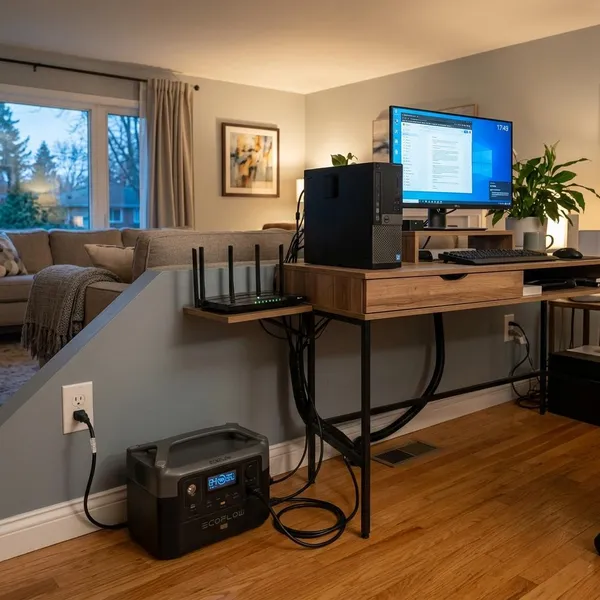
For many homes, the neatest setup is not UPS versus power station. It is UPS plus power station. The UPS protects the sensitive equipment during the instant power drop, while the power station provides longer backup for less sensitive loads.
One practical setup is a UPS for the desktop PC and NAS, with a portable power station reserved for the router, laptop charger, phones, lamp, and small fan. That way the critical gear gets fast protection, and the household still has usable power if the outage lasts longer.
Conclusion
A portable power station can be used as a UPS-style backup when the devices are low-risk and can tolerate a brief transfer delay, but it should not be treated as a true UPS for sensitive electronics. If you need instant protection, choose a UPS; if you need longer runtime for routers, laptops, lights, and chargers, choose a power station. The strongest setup is often both: fast protection for critical gear and a larger battery for the things that keep daily life running during an outage.