If you want backup power without storing fuel or running an engine outside, the best generator alternatives for home backup power are battery-based options matched to the loads you actually need. Start with the essentials: internet, lights, phones, refrigeration, medical devices, pumps, or work equipment. Small outages may only need a portable power station or UPS, while longer or higher-risk outages may justify solar charging or an installed home battery system.

What Are the Best Generator Alternatives for Home Backup Power?
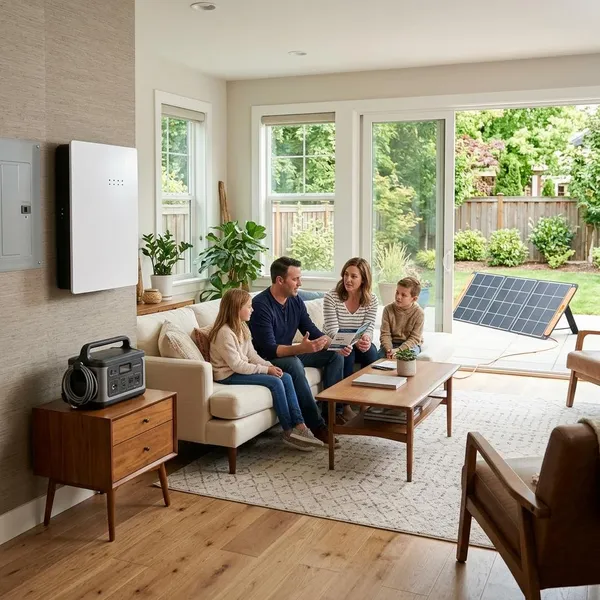
The strongest alternatives are battery systems, solar generators, portable power stations, and UPS units. They all avoid combustion fumes and loud engine noise, but they do not solve the same problem. A UPS protects electronics for short interruptions, a portable power station keeps essentials running, a solar generator adds recharging during longer outages, and a home battery can support selected household circuits.
Battery systems provide clean backup power
Battery systems store electricity and deliver it through an inverter when the grid goes down. They are quiet, indoor-friendly when used as directed, and much easier to live with than a fuel generator for short or moderate outages.
Solar generators provide rechargeable backup power
A solar generator is usually a portable battery system paired with solar panels. It does not generate power like an engine; it stores power and can recharge from sunlight, wall outlets, and sometimes a vehicle.
- Best fit: outages where you can recharge during daylight.
- Weak fit: heavy appliances or shaded locations with little solar input.
- Common mistake: assuming solar panels refill a battery as fast as a wall outlet.
UPS systems protect sensitive electronics
A UPS is not meant to run your home for hours. Its job is to stop abrupt shutdowns for computers, routers, modems, network storage, security equipment, or other electronics that dislike sudden power loss.
For a home office, a UPS can be worth having even if you also own a larger battery. It gives you time to save work, stay online through a short flicker, or switch to another backup source without everything crashing.
What Types of Generator Alternatives Are Available?
The main types differ by scale. Some are designed for a few devices on a table; others are installed into the home electrical system. Thinking in tiers prevents two common buying mistakes: spending thousands on backup you rarely need, or buying a small unit that cannot handle your real outage priorities.
Portable power stations support small backup needs
Portable power stations support the everyday essentials most people miss first: phone charging, internet, laptops, LED lights, small fans, and sometimes a compact fridge or medical device. They make the most sense when you want simple backup without wiring work.
Solar generators support renewable backup power
Solar generators add one useful advantage: they can recover energy when the grid is still down. That matters during multi-day outages, cabin use, or areas where buying fuel after a storm is difficult.
Use them with realistic expectations. Solar charging depends on panel size, weather, placement, and how much power you are using while charging. A sunny day can help stretch essentials; it will not make a small battery act like a whole-home system.
UPS systems protect critical devices
UPS systems sit at the small end of the backup range, but they solve a very specific problem well: short interruptions and voltage dips. Put them where sudden shutdowns would create real trouble, such as a desktop computer, router, modem, or network drive.
Do not size a UPS like a household battery. Its runtime is usually measured in minutes, so treat it as protection, not full emergency power.
What Can Generator Alternatives Power During an Outage?
What they can power depends on three things: battery capacity, inverter output, and the startup demand of the devices. For planning, divide your loads into low-watt essentials, medium household needs, and high-draw appliances. Most people get better results by protecting a short list of essentials instead of trying to keep the whole home running normally.
| Backup level | Typical loads | Best use case |
|---|---|---|
| Small | Phones, router, lights, laptop | Short outages, apartments, basic communication |
| Medium | Refrigerator, work setup, CPAP, fan | Overnight outages or food protection |
| Larger | Sump pump, selected circuits, garage door, freezer | Homes with specific essential infrastructure |
| High-power | Central AC, electric range, dryer, water heater | Usually needs a large installed system or generator |
Small systems run phones, routers, and lights
Small systems are good for low-watt devices because those loads stretch battery life. Keeping the router, phone, and a few LED lights running often matters more during the first few hours of an outage than powering a large appliance.
This is the low-risk starting point for many households. If your main concern is staying connected, working through a short outage, or keeping children comfortable at night, a compact power station plus a UPS on the network gear can be a sensible setup.
Medium systems support refrigerators and work devices
Medium systems can often support a refrigerator, modem, router, laptop, monitor, small fan, or certain medical devices, provided the inverter can handle the load. Refrigerators deserve extra attention because their startup surge can be higher than their normal running draw.
A useful check is to test the exact appliance before you rely on it in a storm. If the battery trips, overloads, or drains too fast during a test run, it is not a dependable fridge backup no matter how good the marketing specs look.
Larger systems support pumps and essential circuits
Larger systems become important when an outage can cause damage, not just inconvenience. A sump pump during heavy rain, a well pump on a rural property, or heating controls in cold weather may need more planning than a plug-in battery beside the couch.
For these loads, the safer path is usually a properly sized installed system or a professionally reviewed setup. Motors and pumps can have demanding startup behavior, and the consequences of undersizing are higher.

How to Choose the Right Generator Alternative?
Choose the system by working backward from the outage you are actually trying to survive. A two-hour neighborhood blackout, a yearly storm outage, and a rural multi-day failure are different problems. The right alternative is the one that covers your essential loads for your likely runtime without creating safety or ownership headaches.
Identify the devices you need to keep running
Make a short priority list before shopping. Put health, safety, food, communication, and work ahead of comfort items. For many homes, that means the refrigerator, router, modem, phones, a few lights, laptop, and one medical or water-related device if needed.
- Must-have: devices that protect health, food, water, safety, or income.
- Useful: fans, TV, small kitchen items, extra lights.
- Skip first: high-heat appliances and comfort loads that burn through capacity.
Calculate power needs and backup time
Check two numbers for each important device: running watts and startup watts. Then estimate how long it needs to run. A router may run continuously; a refrigerator cycles on and off; a sump pump may run only during heavy rain but must start reliably when needed.
If exact numbers are unclear, use a plug-in watt meter for smaller devices or check the appliance label and manual. For hardwired equipment, pumps, or anything tied into the electrical panel, ask an electrician before buying around guesses.
What Are the Costs and Trade-Offs?
Costs rise quickly as you move from device backup to household backup. A small UPS can be inexpensive, a portable power station can range widely by size, and an installed battery system can require a much larger budget once electrical work is included. The best value is not the cheapest unit; it is the setup that reliably covers the loads you would actually regret losing.
Upfront costs vary by system size
Small units cost less because they have smaller batteries, lower inverter output, and fewer expansion features. Larger units cost more because they need stronger inverters, higher-capacity cells, faster charging hardware, and better thermal and safety management.
Do not compare systems only by watt-hours. A cheaper model may lack the surge rating, outlet type, charging speed, or cycle life that makes it useful during a real outage.
Installation needs vary by backup type
Portable power stations, solar generators, and UPS units usually need no permanent installation. You charge them, store them, and plug devices in when needed.
Installed home batteries are different. They may require a transfer switch, backed-up load panel, permits, code-compliant placement, and professional electrical work. That extra cost buys convenience, but it should be part of the budget from the beginning.
What Should You Check Before Buying?
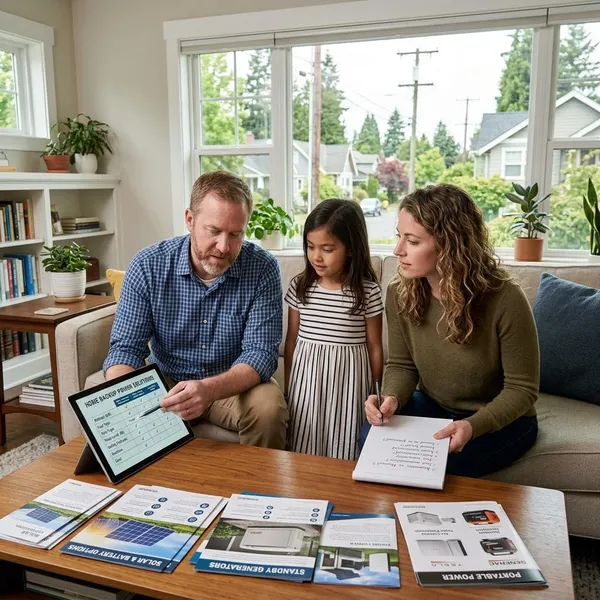
Before buying, confirm the system can run your priority devices, recharge in a way that matches your outage pattern, and be used safely in your home. This is where many expensive mistakes happen: the battery looks large enough, but the inverter is too weak; the unit supports solar, but the input is too slow; or the system is too heavy to move where it is needed.
Confirm your power and runtime needs
Check power and runtime separately. Power answers "can it run this device?" Runtime answers "for how long?" You need both, especially for refrigerators, pumps, medical devices, and work equipment.
- List simultaneous loads: what may run at the same time?
- Check startup demand: motors and compressors can spike at startup.
- Add a margin: real outages rarely match perfect estimates.
- Test before storms: do a trial run with your actual devices.
Check system compatibility and safety
Battery-based systems are generally the safest indoor generator alternatives because they do not create combustion exhaust, but they still need to be used according to the manufacturer's instructions. Keep them within approved temperature ranges, avoid overloaded extension cords, and do not improvise connections to a home panel.
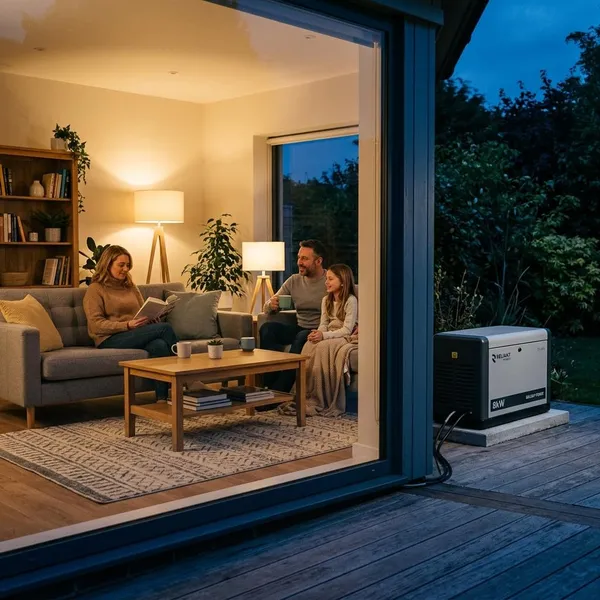
Fuel generators should never be used indoors, in garages, or near windows and vents because of carbon monoxide risk. If you are installing a home battery, transfer switch, or solar-integrated system, get professional guidance before purchase rather than trying to make incompatible equipment work later.
Conclusion
The right backup choice starts with the few things you cannot afford to lose, not with the biggest battery on the shelf. A portable power station or UPS may be enough for short, low-risk outages, while solar charging or an installed battery makes more sense when refrigeration, pumps, medical needs, or longer blackouts are part of the picture. If heavy appliances must run for days, compare batteries honestly with a traditional generator instead of assuming one cleaner option can cover every situation.