
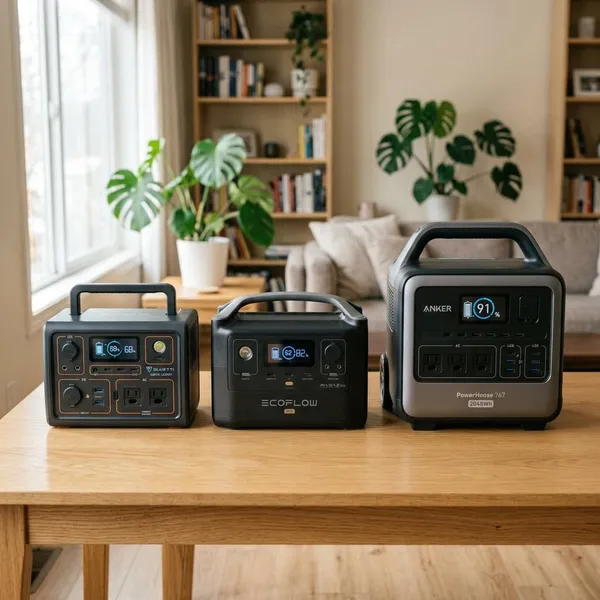
If you're asking "how much is a portable power station?", a realistic starting range is about $150 to $400 for basic charging, $400 to $1,200 for camping and short backup use, and $1,200 to $3,000+ for larger home backup setups. The price only makes sense after you know what you need to run, how long you need it to run, and whether solar or extra batteries are part of the plan.
How much does a portable power station cost?
Portable power station prices mostly follow battery size and output. A small unit for phones is a very different purchase from a system meant to keep a refrigerator running during an outage.
Small models for basic charging
Small models usually cost around $150 to $400. They are best for light charging jobs: phones, tablets, cameras, a laptop, a few LED lights, or maybe a router for a short outage.
This is the sensible tier for a car emergency kit, day trips, or apartment backup where you mainly want communication and lighting. It is not the right tier for kettles, heaters, microwaves, large coffee makers, or anything that pulls heavy wattage.
Mid-size models for camping and backup
Mid-size portable power stations often land between $400 and $1,200. Many buyers end up here because this range gives enough capacity for camping gear, CPAP machines, fans, portable fridges, laptops, internet equipment, and short home outages without becoming too heavy or expensive.
- Occasional camping: a smaller mid-size unit may be enough.
- Weekend trips: extra capacity is worth paying for.
- Storm-season backup: focus on runtime and reliable output first.
Large models for home backup
Large models usually start around $1,200 and can go past $3,000, especially when they support high output, fast charging, solar input, or expansion batteries. This is the tier to consider if you want to run a refrigerator, freezer, sump pump, home office setup, or several essentials at once.
The trade-off is not just price. Large stations are heavier, take up more space, and may need extra accessories to work the way you expect. For a short outage, that extra cost may be overkill; for repeated outages or a household that needs backup power for critical devices, it can be justified.
What affects portable power station prices?
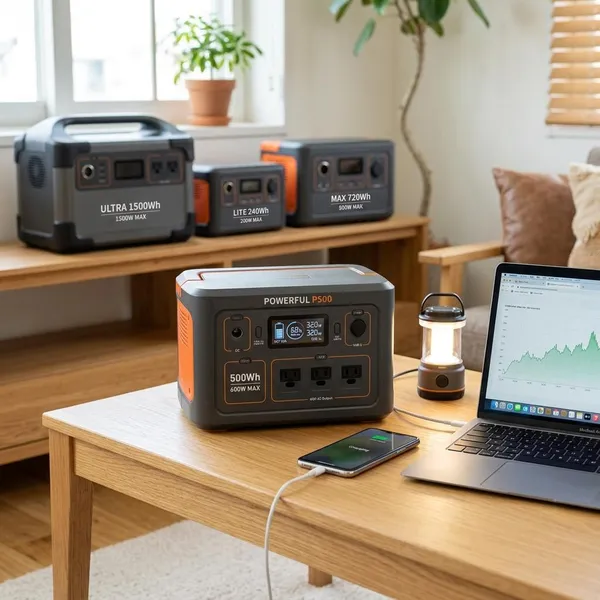
Two power stations with the same general size can still have very different prices. The difference usually comes from capacity, inverter strength, battery chemistry, charging options, and the support behind the product.
Battery capacity
Capacity is measured in watt-hours, or Wh. More watt-hours usually means a higher price because the station can store more energy and run devices longer.
A useful way to think about it: a 250Wh unit is for small electronics and short use, while a 1,000Wh unit gives you much more room for appliances or longer outages. Real runtime will be lower than the label suggests once inverter losses and device behavior are included, so avoid buying a unit with no margin.
Power output
Output decides what the station can actually run. Capacity tells you how long power may last; output tells you whether the device will start at all.
- Continuous wattage: what the station can supply steadily.
- Surge wattage: the short burst needed by some motors.
- Outlet type: AC, USB-C, DC, RV, or other ports.
- Headroom: avoid running near the maximum all the time.
This matters most for refrigerators, pumps, power tools, and heating appliances. A cheap high-capacity unit with weak output may still fail the job you bought it for.
Battery type and lifespan
Battery chemistry affects both price and long-term value. Many newer and higher-priced models use LiFePO4 batteries because they generally offer a longer cycle life than older lithium-ion designs.
If the station will sit in a closet for rare emergencies, the cheapest acceptable model may be enough. If you plan to use it weekly for camping, van life, work gear, or frequent outages, paying more for a longer-lasting battery can make more sense than replacing a worn-out unit sooner.
Charging speed and solar input
Fast charging adds cost, but it can be worth it when you need the station ready again quickly. A unit that takes many hours to refill may be fine for casual weekend use, but frustrating during back-to-back outages.
For solar, look at the station's maximum solar input before buying panels. A common mistake is paying for more panel wattage than the station can accept, which means part of your solar setup is wasted in good sun.
Brand, warranty, and features
Brand and warranty can raise the price, but they are not just cosmetic. Better support, clearer replacement policies, safer battery management, and more reliable parts matter more when the station is part of an emergency plan.
Features such as app control, UPS-style switching, extra AC outlets, RV plugs, waterproofing claims, or brighter displays are only worth paying for if they match your use. For basic phone charging, they are nice extras. For home backup, some of them may affect whether the setup is convenient enough to use under pressure.
What extra portable power station costs should you expect?
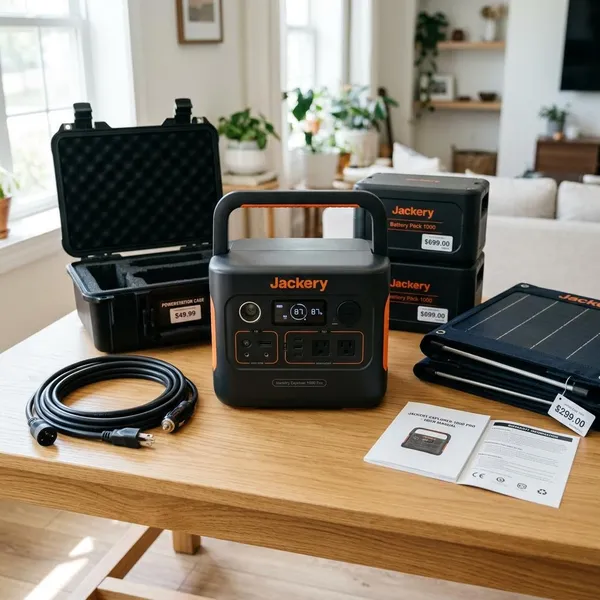
The station itself is not always the full cost. Accessories can change the real budget, especially if you want solar charging, longer runtime, or a cleaner home backup setup.
Solar panels
Solar panels can add roughly $150 to $800 or more, depending on wattage, brand, and whether they are foldable or rigid. Foldable panels are easier for camping and temporary use; rigid panels usually make more sense for a semi-permanent setup.
Before buying panels, check the station's solar input range, connector type, and watt limit. The practical question is not "how many panels can I afford?" but "how much solar can this unit actually use?"
Expansion batteries
Expansion batteries can cost several hundred dollars to well over $1,500. They are useful when you like the main unit but need longer runtime later.
They are not always the best first purchase. If you only need to charge phones and run lights overnight, an expansion battery may be unnecessary. If your goal is a refrigerator plus internet through a long outage, expansion can be cheaper than replacing the whole system.
Cables and accessories
Small accessories can still affect the final price. You may need solar cables, adapters, extension cords, a carrying case, a protective cover, or the correct high-watt USB-C cable for laptops.
- Check what is included: some brands include key cables, others do not.
- Match connector types: solar adapters are not always universal.
- Avoid unsafe shortcuts: do not improvise cables for high-power loads.
Extended warranty coverage
An extended warranty is more worth considering as the purchase gets more expensive. For a small travel unit, it may not change much. For a four-figure backup system that you expect to rely on during outages, stronger coverage can be a practical part of the budget.
How do you choose a portable power station without overspending?
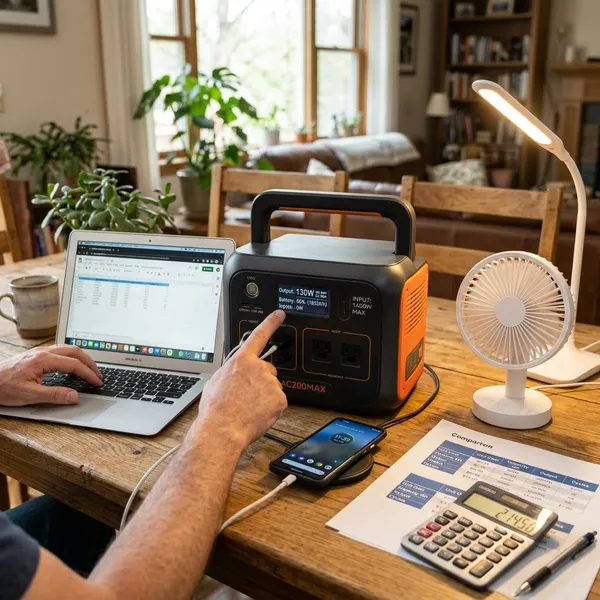
The easiest way to overspend is to shop by the biggest number on the box. Start with your devices, then match capacity, output, and extras to the way you will actually use the station.
List the devices you need to power
Write down the devices that matter first, not every device you own. For many people, the priority list is phone, lights, router, laptop, CPAP, refrigerator, or fan.
A good rule is to separate comfort items from essentials. Charging a phone during a blackout is a low-risk need; keeping medical equipment or a sump pump running is a higher-risk situation and deserves a more careful purchase.
Calculate the capacity you need
Estimate watt-hours by multiplying a device's watts by the number of hours you want to run it. A 60W device for 5 hours needs about 300Wh before real-world losses, so you would usually want extra margin rather than a station rated exactly at 300Wh.
If you cannot find the wattage, check the label on the device, its power adapter, or a plug-in power meter. That one check is more useful than guessing from product photos.
Match output to your appliances
For appliances, confirm both running watts and startup surge. This is where buyers often make the wrong choice: they buy enough battery capacity but not enough inverter output.
- Find the running wattage of each important device.
- Look for startup surge on motors and compressors.
- Compare those numbers with continuous and surge ratings.
- Choose a model with comfortable headroom.
Pay only for features you need
Pay for features that solve a real problem in your situation. App control, ultra-fast charging, expansion ports, and RV outlets are useful for some buyers, but they are easy places to overspend.
If you need a simple emergency charger, skip the premium extras. If you camp often, work from a vehicle, or deal with outages every season, better charging speed, battery lifespan, and solar compatibility may be worth the higher price.
Compare total cost before buying
Compare the full setup, not just the sale price of the main unit. A cheaper station can become expensive if it needs proprietary cables, extra panels, or a second battery to do the same job.
It is also fair to compare portable power stations with generators. A generator may deliver more raw power for the money, but it needs fuel, maintenance, ventilation, and outdoor operation. A power station is usually quieter and easier indoors, but you should not pay for a large one unless its limits still fit your real backup needs.
Conclusion
The best price is not the lowest one; it is the one that covers your essential devices without paying for capacity or features you will never use. For most buyers, that means starting with wattage and runtime, then choosing the smallest reliable station that leaves enough margin for real-world use.