
An ups battery backup 8 hours for home is realistic if you size it around essential devices rather than trying to power the entire house. Routers, modems, laptops, CPAP machines, LED lights, and a few small electronics can often run for hours with the right battery capacity, while refrigerators, heaters, air conditioners, and large appliances require much more energy. The key is to calculate your total wattage, choose the right battery size, and avoid overloading a standard UPS designed only for short-term backup.
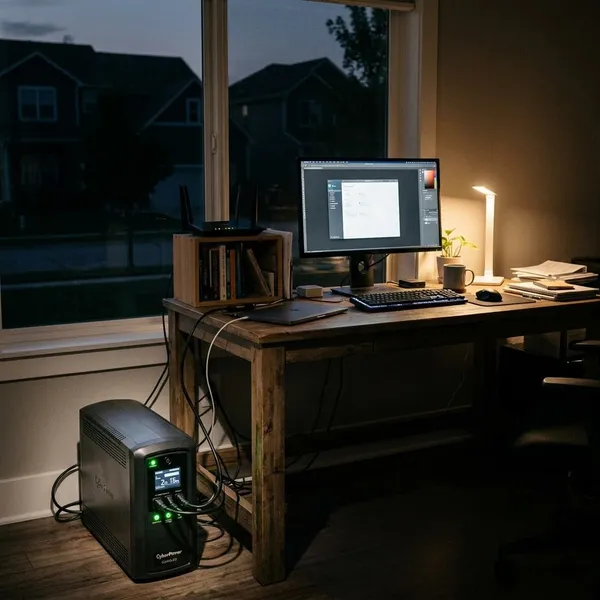
Can a UPS Battery Backup Last 8 Hours at Home?
Yes, but the honest answer depends on the load. Eight hours is realistic for a small group of essential devices, such as Wi-Fi, LED lights, phone charging, a laptop, and possibly a fan. It becomes much harder when you add appliances with motors, heating elements, or high startup demand.
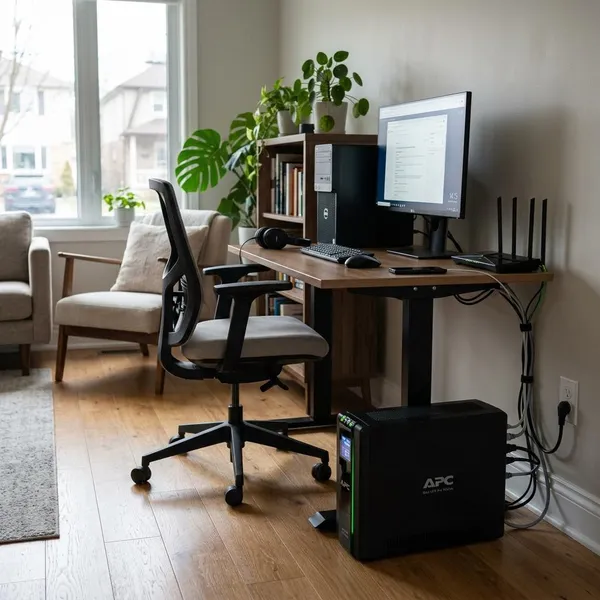
Small UPS units have limited runtime
Most small office UPS units are built for short protection, not long home backup. They are useful for keeping a computer from shutting off suddenly, protecting networking gear, or giving you time to save work during a brief outage.
The common mistake is reading a 1000VA or 1500VA label as if it means "many hours of power." VA tells you about output capability, not how much battery energy is stored. A compact UPS may keep a modem and router alive for a while, but a desktop PC, monitor, or TV can drain it much faster.
Essential loads can run for 8 hours
An 8-hour target becomes much more practical when you choose a small essential load. For example, an apartment user who mainly needs Wi-Fi, two LED lamps, phone charging, and a laptop may only need a moderate battery system. A family trying to keep the refrigerator, several fans, entertainment devices, and multiple rooms powered will need a much larger setup.
- Low-load evening backup: router, modem, two LED lights, phones, and one laptop.
- Comfort backup: the same basics plus an efficient fan during a summer outage.
- Remote-work backup: internet gear, laptop, monitor, desk light, and phone charging.
If your essential load stays around 100 to 200 watts, an 8-hour battery plan is often achievable. Once the load climbs toward 500 watts or more, you are no longer shopping for a simple small UPS.
Whole-home backup needs larger systems
Whole-home backup for 8 hours usually needs a home battery system, inverter with external batteries, or another larger setup. Refrigerators, pumps, microwaves, electric cooking, and air conditioning change the calculation quickly.
Motor-driven appliances also need surge power when they start. A backup unit may handle the normal running watts but still trip if the refrigerator compressor or pump needs a short burst above the rated output. For many homes, the practical compromise is selected-circuit backup rather than trying to power everything.
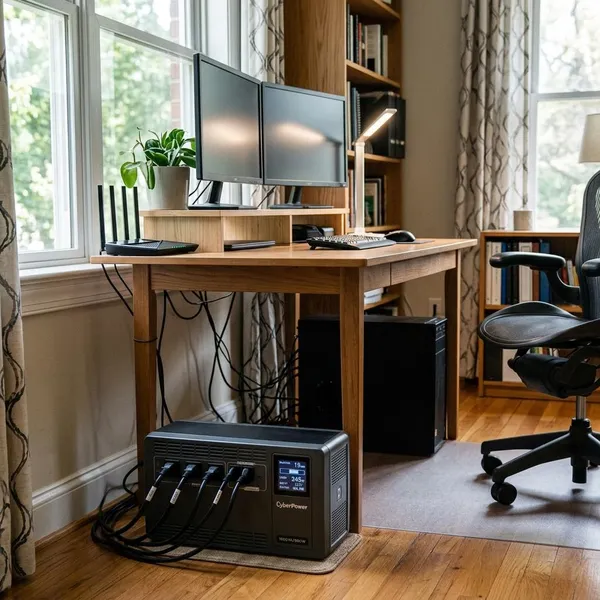
What Affects UPS Runtime?
Runtime comes down to usable energy, not just the size printed on the box. The first thing to check is the total wattage of the devices you want to run at the same time. After that, allow for inverter losses, battery reserve, battery age, and any startup surge from appliances.
Battery capacity and usable power
Battery capacity is usually shown in watt-hours, and that number is the starting point for estimating backup time. A simple planning formula is:
Usable watt-hours ÷ total running watts = estimated runtime in hours.
So if a battery system can deliver about 1,700 usable watt-hours and your essentials draw 200 watts, you may get roughly 8.5 hours under steady use. If those same devices draw 400 watts, the runtime is cut roughly in half.
- First check: list only the devices you truly need during an outage.
- Second check: find their running watts, preferably from labels or a plug-in power meter.
- Third check: compare that load with usable watt-hours, not only advertised capacity.
- Safety margin: add extra capacity so the system is not sized to the exact minimum.
Inverter efficiency and power loss
Some stored energy is lost when battery power is converted into AC power for household devices. Many systems also use a little power just to stay on. That overhead matters most when your load is small and the outage is long.
For rough planning, it is safer to assume you will not use 100% of the battery label. If a manufacturer gives a usable capacity figure, use that. If not, leave room for losses instead of calculating the system as if every watt-hour will reach your devices.
Battery age and safety limits
Batteries lose capacity over time, especially if they are exposed to heat, discharged deeply, or used often. A setup that reaches 8 hours when new may fall short after a few years if it was sized too tightly.
Battery chemistry also affects usable runtime. Lead-acid batteries are often cheaper upfront but are heavier and usually less forgiving of deep discharge. Lithium batteries usually provide more usable capacity and lower maintenance, though the upfront cost is higher.
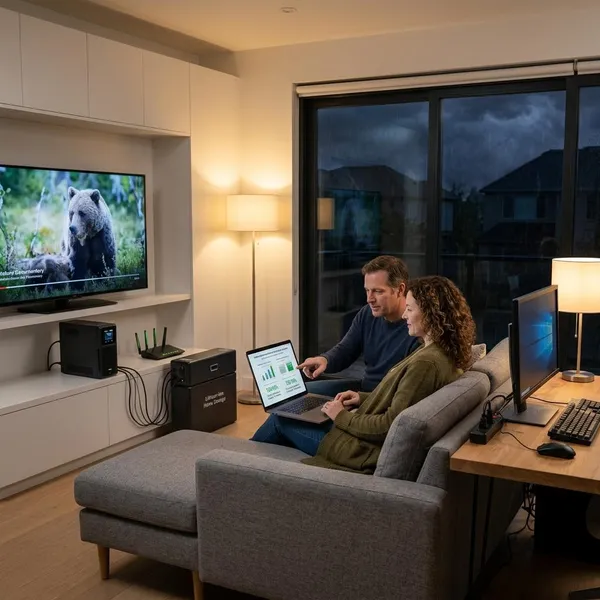
How to Choose a Home Backup System
Choose the system by outage type, not by the biggest number on the product page. A short outage needs fast switchover. An 8-hour blackout needs enough stored energy. Repeated weather-related outages may need solar charging or a larger expandable system.
Small-space backup needs
For apartments, rentals, dorm rooms, or small homes, a compact UPS or portable power station is often the easiest choice. It avoids electrical work, takes up less space, and can usually handle internet access, phones, lights, and a laptop.
This is a good fit if outages are occasional and your goal is staying connected rather than powering appliances. Look for clear watt-hour capacity, enough AC or USB outlets, a realistic recharge time, and noise level if the unit will sit in a bedroom or home office.
Long-outage backup needs
For frequent or longer blackouts, plan around priority loads instead of trying to keep normal household habits unchanged. Refrigeration, Wi-Fi, basic lighting, phones, and one or two comfort devices are usually more realistic than electric cooking, water heating, or air conditioning.
- Separate essentials from conveniences. This keeps the battery size and cost under control.
- Check running watts and startup surge. This matters for refrigerators, freezers, pumps, and motors.
- Estimate what runs at the same time. Not every device will be on for the full 8 hours.
- Add a margin. Losses, battery aging, and unexpected use can reduce runtime.
A household with medical equipment, sump pumps, or critical refrigeration should be more cautious than someone only backing up Wi-Fi and lights. In higher-risk situations, professional sizing and installation are often worth considering.
Solar-ready backup needs
A solar-ready system makes sense when outages are repeated, multi-day, or linked to storms. Solar charging does not make power unlimited, but it can refill part of the battery during the day and make the next evening easier to manage.
Check the solar input limit, compatible panel type, charging speed, and whether the system can power devices while recharging. A small solar input may help phones and lights, but it may not keep up with a refrigerator or heavy daily use.
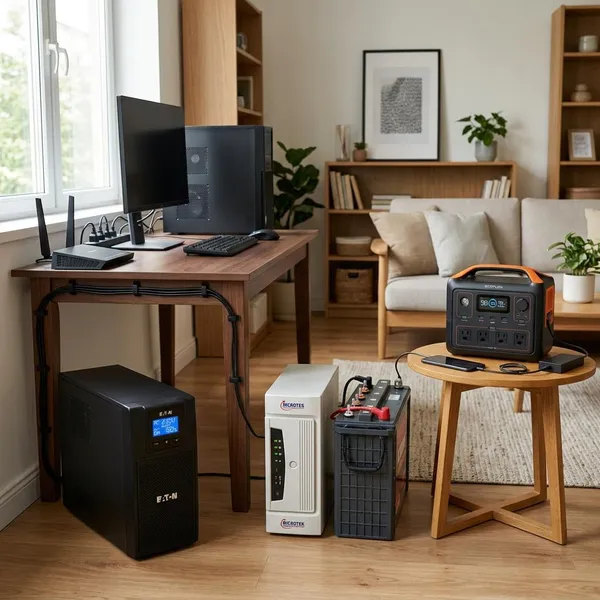
UPS vs Inverter vs Portable Power Station
These options overlap, but they are not the same tool. A UPS is best when instant switchover matters. An inverter system is better when you need larger batteries and longer runtime. A portable power station is often the simplest plug-in choice for light to medium home backup.
Backup time and system size
A standard UPS is usually the smallest option and has the shortest runtime. It is excellent for computers and network equipment, but not ideal for an 8-hour home blackout unless the load is very light.
| Option | Best fit | 8-hour home backup reality |
|---|---|---|
| Small UPS | Router, modem, desktop protection | Works only for low loads |
| Inverter with batteries | Longer outages and selected circuits | Most scalable option |
| Portable power station | Plug-and-play backup for essentials | Good if capacity and surge rating are sufficient |
Device support and surge power
Device support is about more than the number of outlets. The backup system must handle the continuous running load and any short startup surge.
For lights, routers, laptops, and phone charging, most properly sized systems are straightforward. For refrigerators, freezers, pumps, or power tools, check the surge rating before buying. If the surge number is missing or unclear, treat that as a warning sign rather than assuming it will work.
Cost and maintenance needs
Small UPS units usually cost less upfront, but they are limited for long outages. Inverter systems can cost more and may require more setup, yet they are often better for serious 8-hour backup. Portable power stations are convenient, but larger models can be expensive per watt-hour.
For battery chemistry, lithium is usually easier to live with because it is lighter, charges faster, and often gives more usable capacity. Lead-acid can still make sense for a tighter budget or fixed installation, but it needs more care and more space.
Conclusion
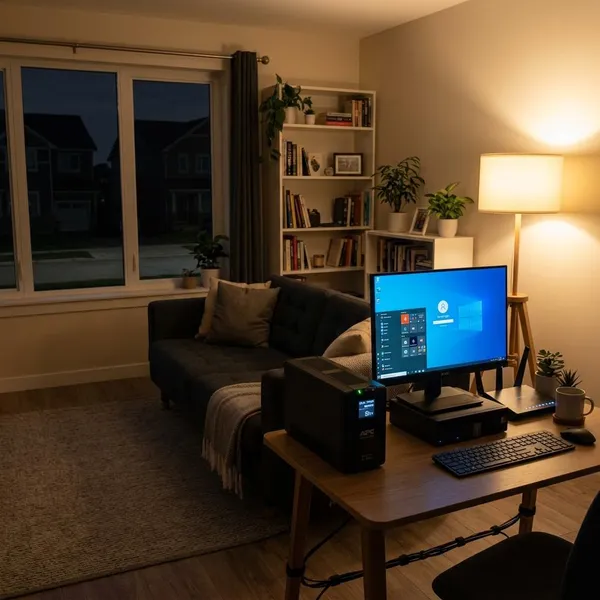
The best 8-hour home backup plan is usually not a single small UPS trying to do too much. Keep the load narrow, calculate usable watt-hours, and make sure the system can handle any appliance surge before you buy. If you only need internet, lights, phones, and a laptop, a compact system may be enough; if you want refrigeration, pumps, or selected circuits, move toward a larger inverter, home battery, or high-capacity power station.